Enjin Blockchain
CS2.TEAM integrates with Enjin — a blockchain platform built for gaming. Connecting your Enjin Wallet links your on-chain assets to your CS2.TEAM profile so you can use NFTs you own as avatars and player cards, and claim a free Defuser Blob.
What are blockchain assets?
NFTs (non-fungible tokens) are digital items you actually own — stored in your wallet rather than on a company's server. On CS2.TEAM, certain NFT collections from Enjin's ecosystem unlock cosmetic items on your profile:
- Blobs — usable as profile avatars, with rarity tiers reflected on your card
- Degens — usable as profile avatars
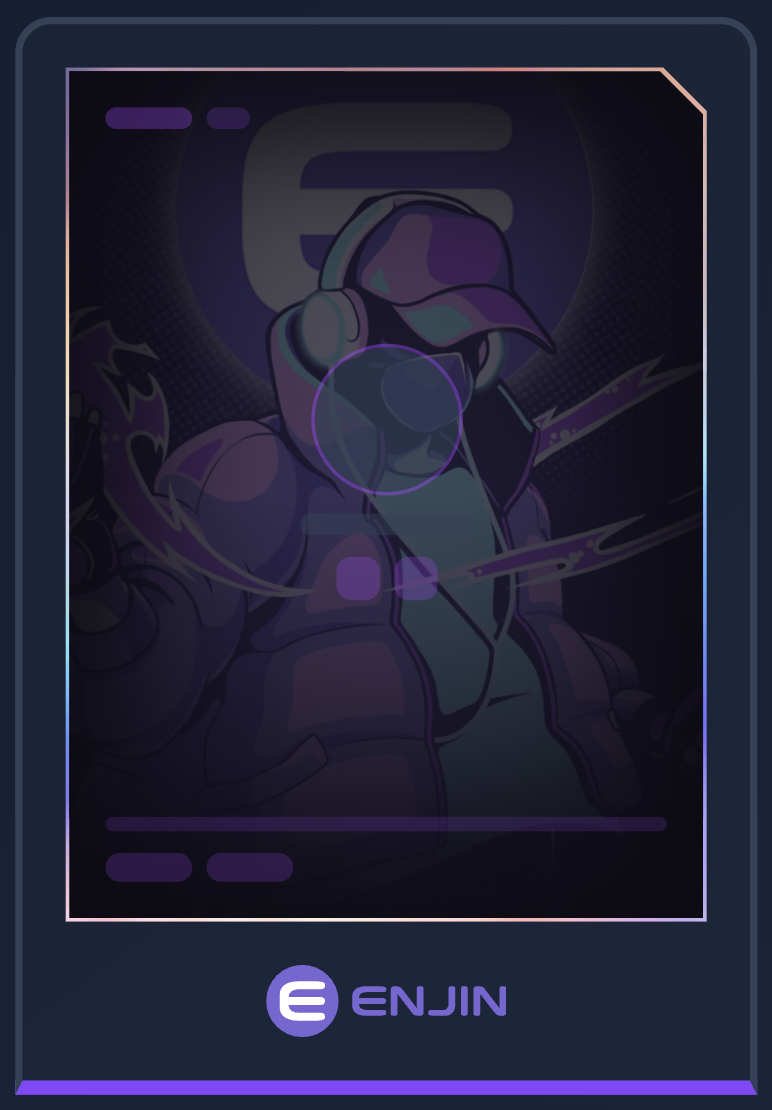
- Enjin player card — a unique card design unlocked just by connecting a wallet
You don't need to buy anything to connect — connecting is free, and any NFTs you already own from supported collections show up automatically in your inventory.
Defuser Blob — Free Reward
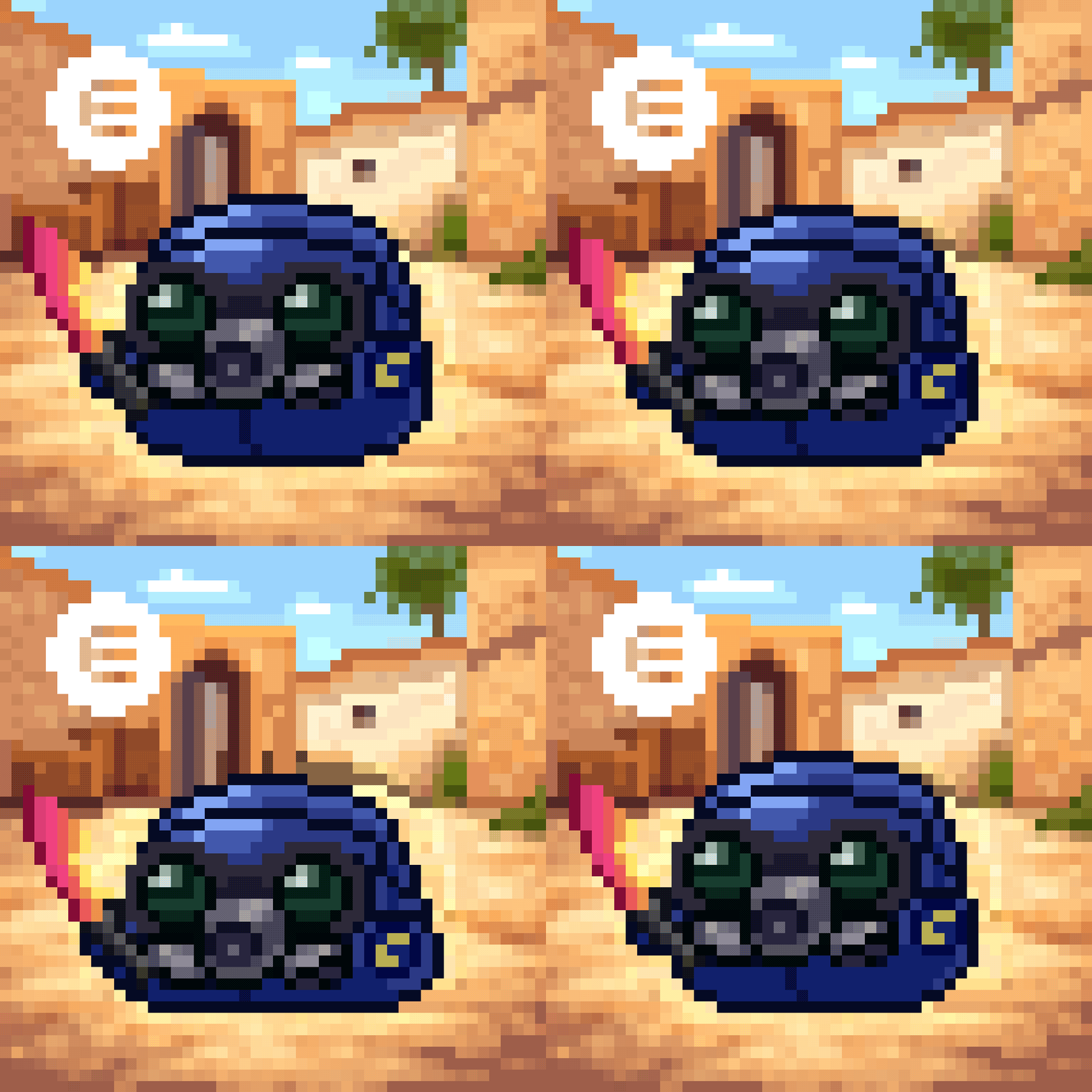
As part of our Enjin integration, the first 1,000 users to connect an Enjin Wallet will receive a free Defuser Blob sent directly to their wallet.
It may take up to 48 hours to arrive in your wallet. The reward is one per account — disconnecting and reconnecting (or connecting a different wallet) won't trigger another. For support, reach out to us on Discord.
How to Connect Your Enjin Wallet
- Install the Enjin Wallet app on iOS or Android
- Set up your wallet inside the app (if you don't already have one) — see Enjin's Getting Started with Your Wallet guide
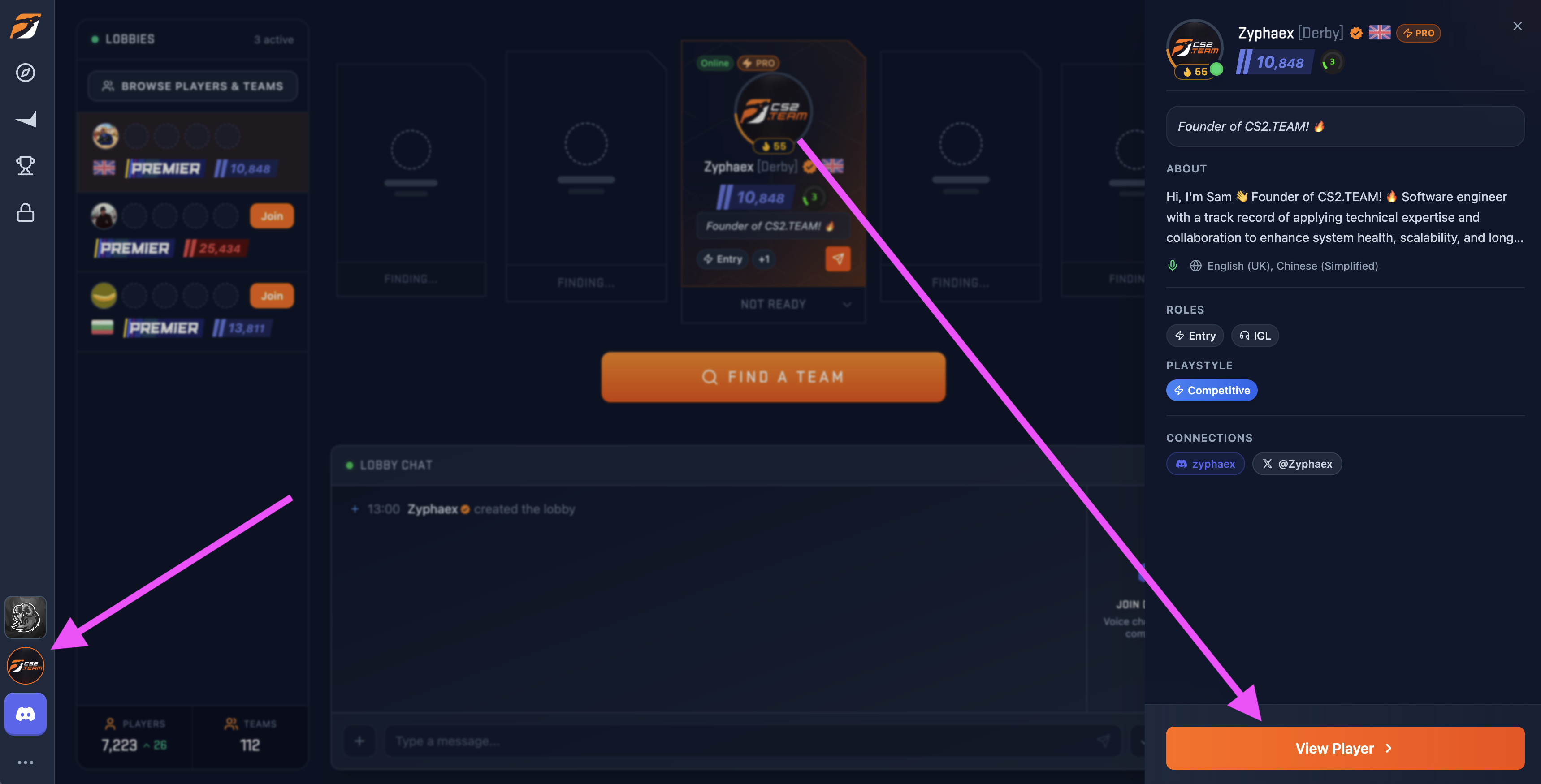
- On CS2.TEAM, navigate to your profile
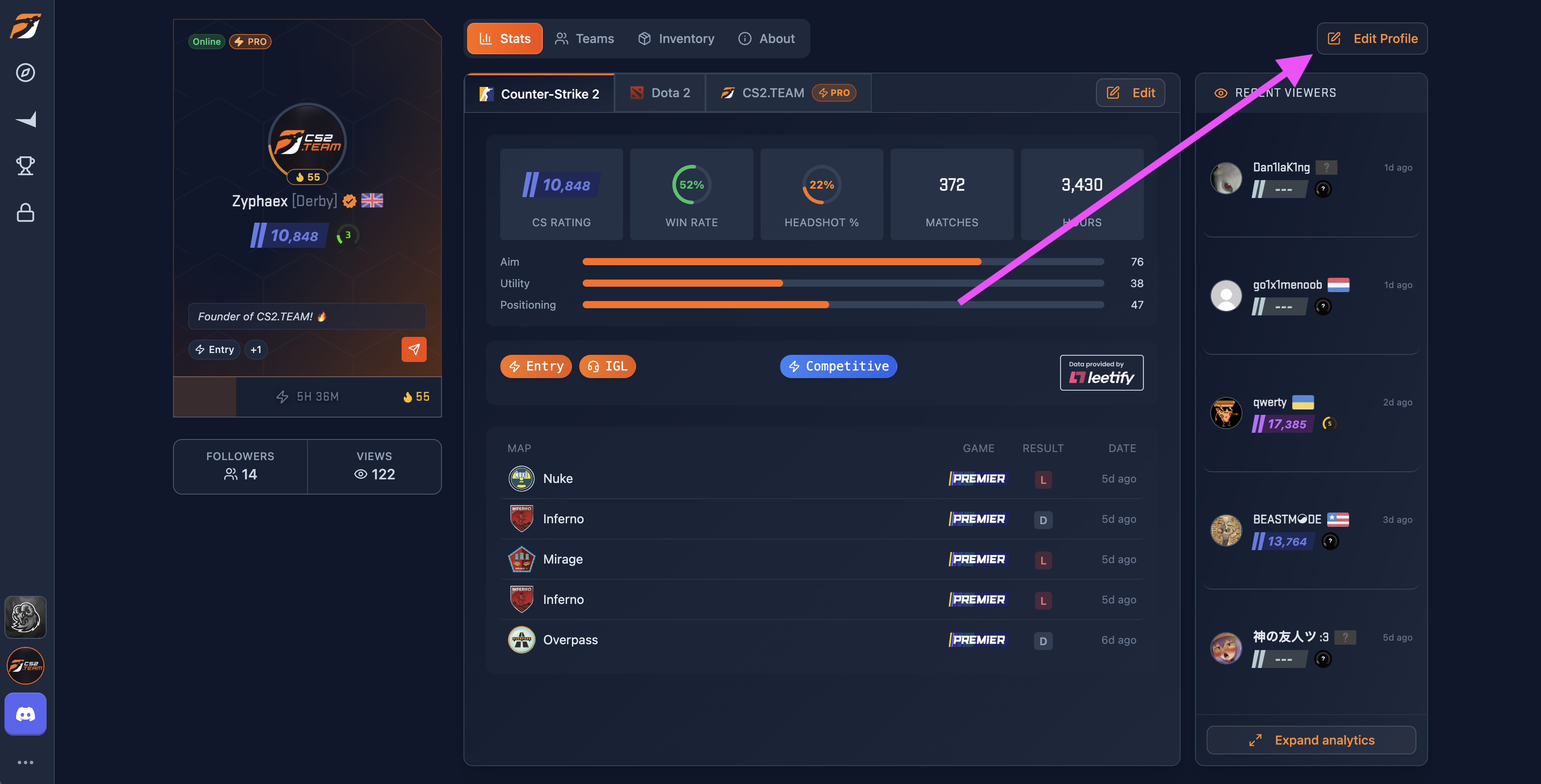
- Click Edit Profile in the top right to open the profile editor
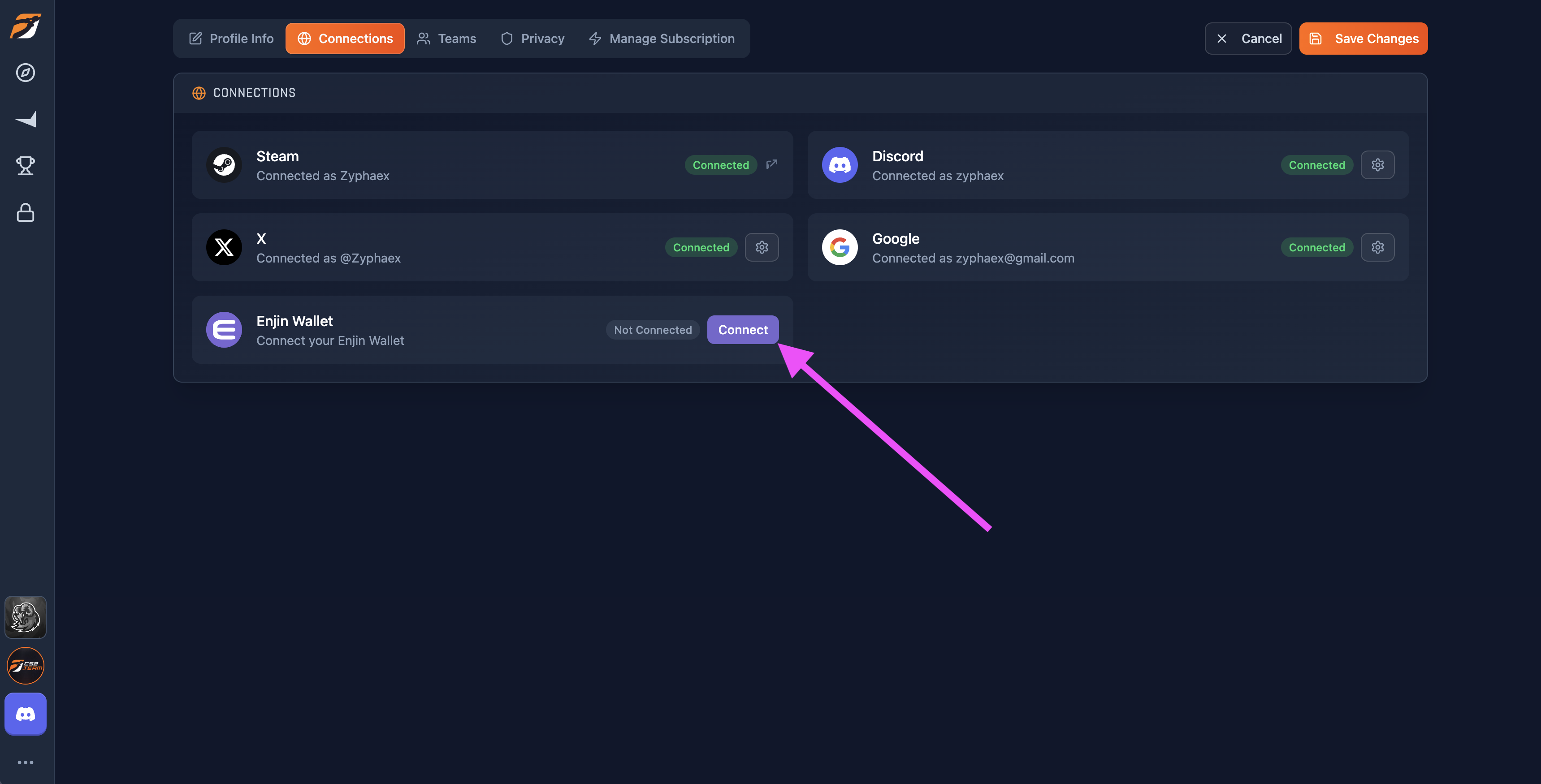
- Navigate to the Connections tab and click Connect next to Enjin Wallet
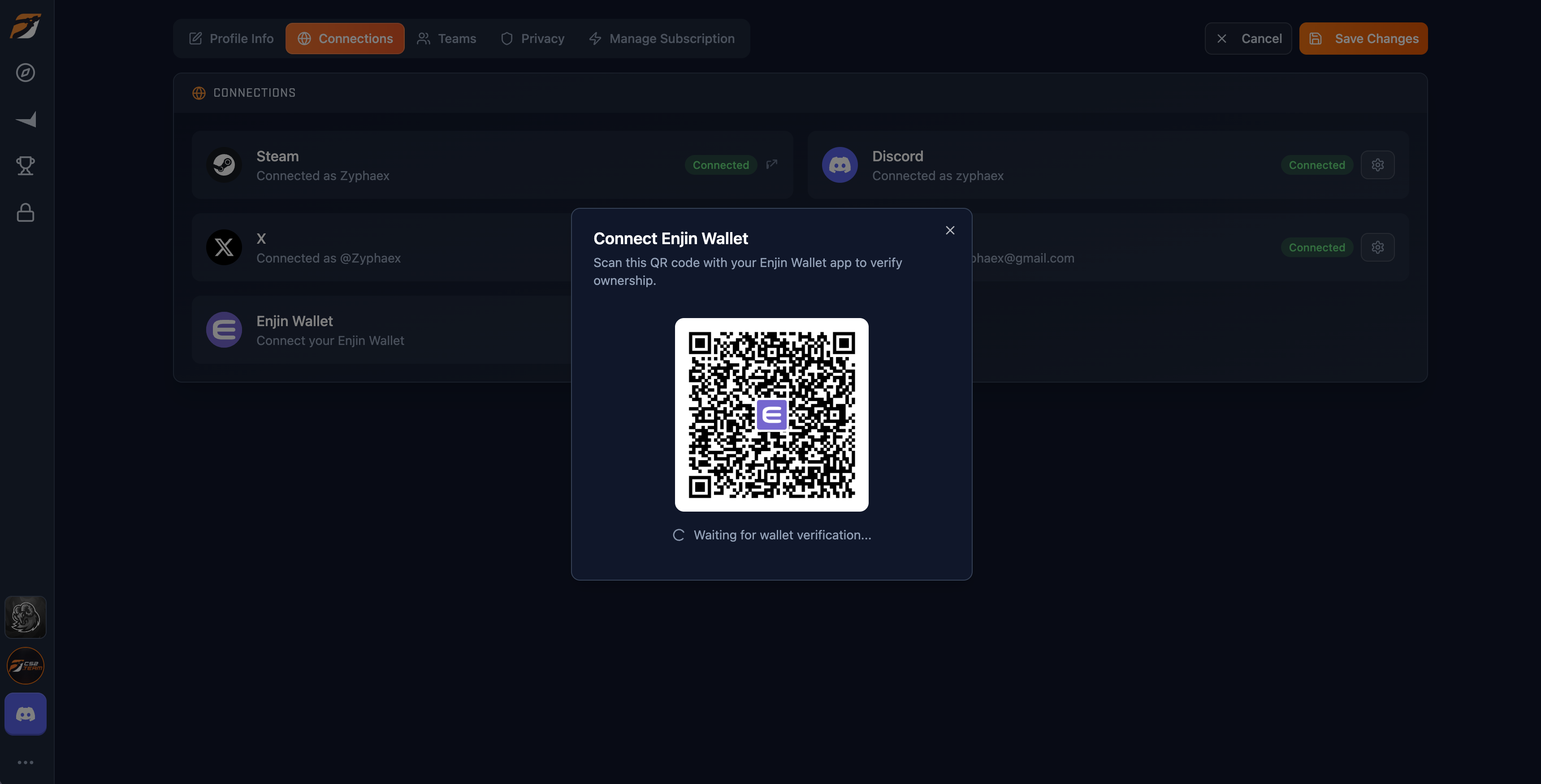
- Scan the QR code with your Enjin Wallet app and approve the connection request
- Once verified, your wallet address is linked and your NFT inventory loads automatically
Using Your NFTs
After connecting:
- The Enjin player card design is unlocked — equip it from the Player Card tab in your inventory
- Any Blobs or Degens you own appear in the Avatar tab — equip one to use as your profile avatar
- Your equipped NFT avatar is visible on your profile to anyone viewing it, with the rarity tier shown as a coloured border
If you represent a project, collection, or brand and want to explore an integration with CS2.TEAM, get in touch.
Disconnecting
You can disconnect your wallet at any time from your profile settings. Your NFT-based card or avatar will revert to defaults, but your reward eligibility status is preserved — reconnecting later won't grant a second Blob.